
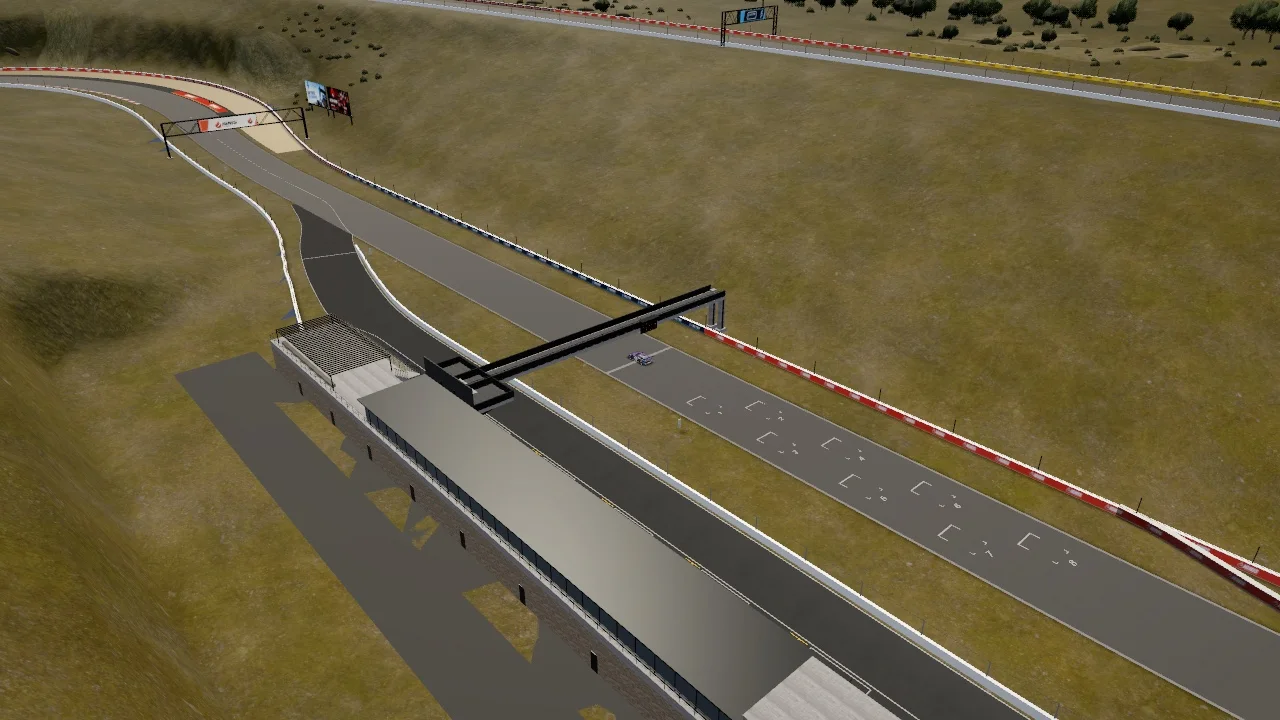
Portugal / New in 1.9
Serra Alta
Climb through the opening, find your rhythm at the summit, then follow the descending return.

Clean Dirty Racing
A racing sim for the moments
you make your own.
Race on Mac, iPhone, iPad, Apple TV and Apple Vision Pro.
Download on the App Store Watch gameplayYour place on the grid
0:50
Discover what’s new
New in 1.9
Two new circuits. A new way to start racing.
From the Portuguese highlands to the Australian coast.
Portugal / New in 1.9
Climb through the opening, find your rhythm at the summit, then follow the descending return.
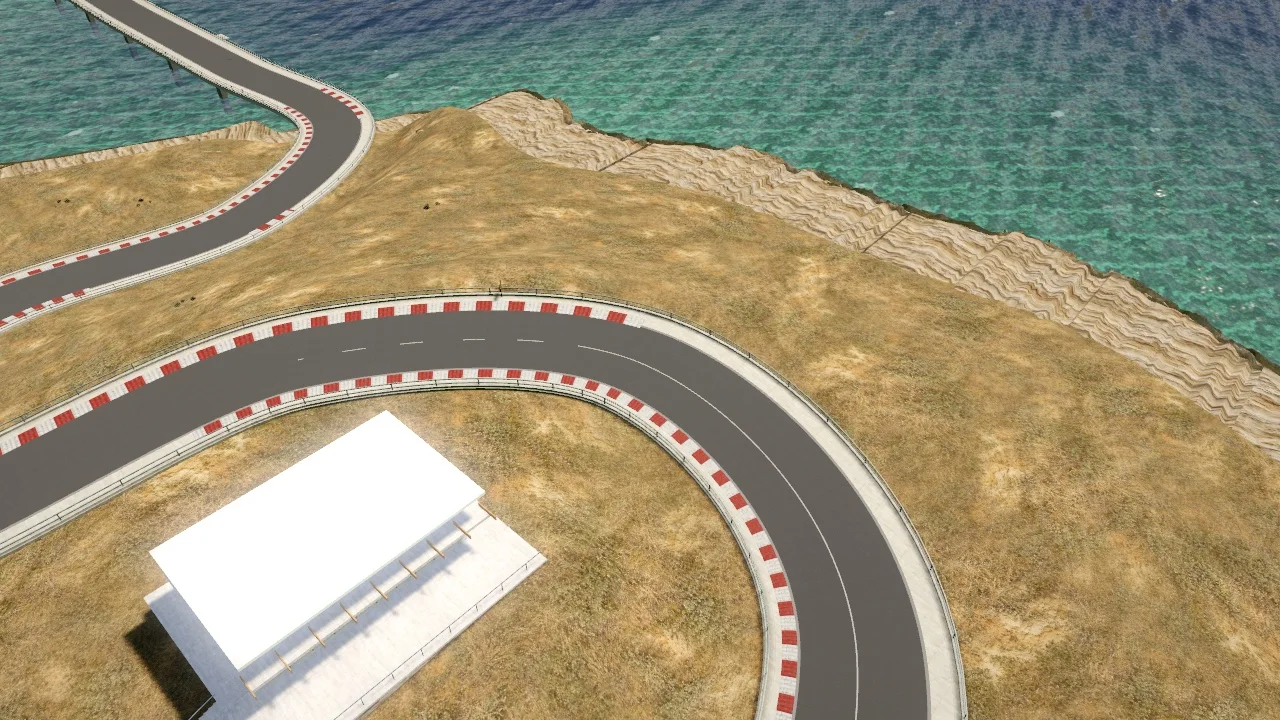
Australia / New in 1.9
A new stretch of Australian coast. A new circuit to learn. And the setting for your very first race.
Captured in-game / Both circuits join Full Access in 1.9
Your opening race / New in 1.9
Join the final lap at Wreckers Bay, learn the controls and chase the cars ahead. Pause whenever you like to restart or skip.
Your introductory race is available before buying Full Access. Regular sessions at Wreckers Bay require Full Access.
How your first race worksThe feeling starts here
A few clicks in the garage.
A different feeling at the wheel.
Make the car your own.
Try a change
CDR GT3 · rendered from the game model
Actual game model. Ride-height movement exaggerated for clarity.
Ready when you are. Nothing plays automatically.
What you would feel
Lowering the car can increase floor downforce, but reduces clearance. The best compromise depends on the car and circuit.
01 / The simulation
Start free at Gravelines with Vesper GT3 or Formula Starter. Explore five more cars with Full Access. Choose the compound, tune the car and work with the conditions you have.
How the simulation worksSoft, medium and hard slicks trade warm-up, peak grip and life. Intermediate and wet tyres take over as water builds.
Water accumulates and drains across the circuit, changing braking, tyre cooling and aquaplaning as the surface evolves.
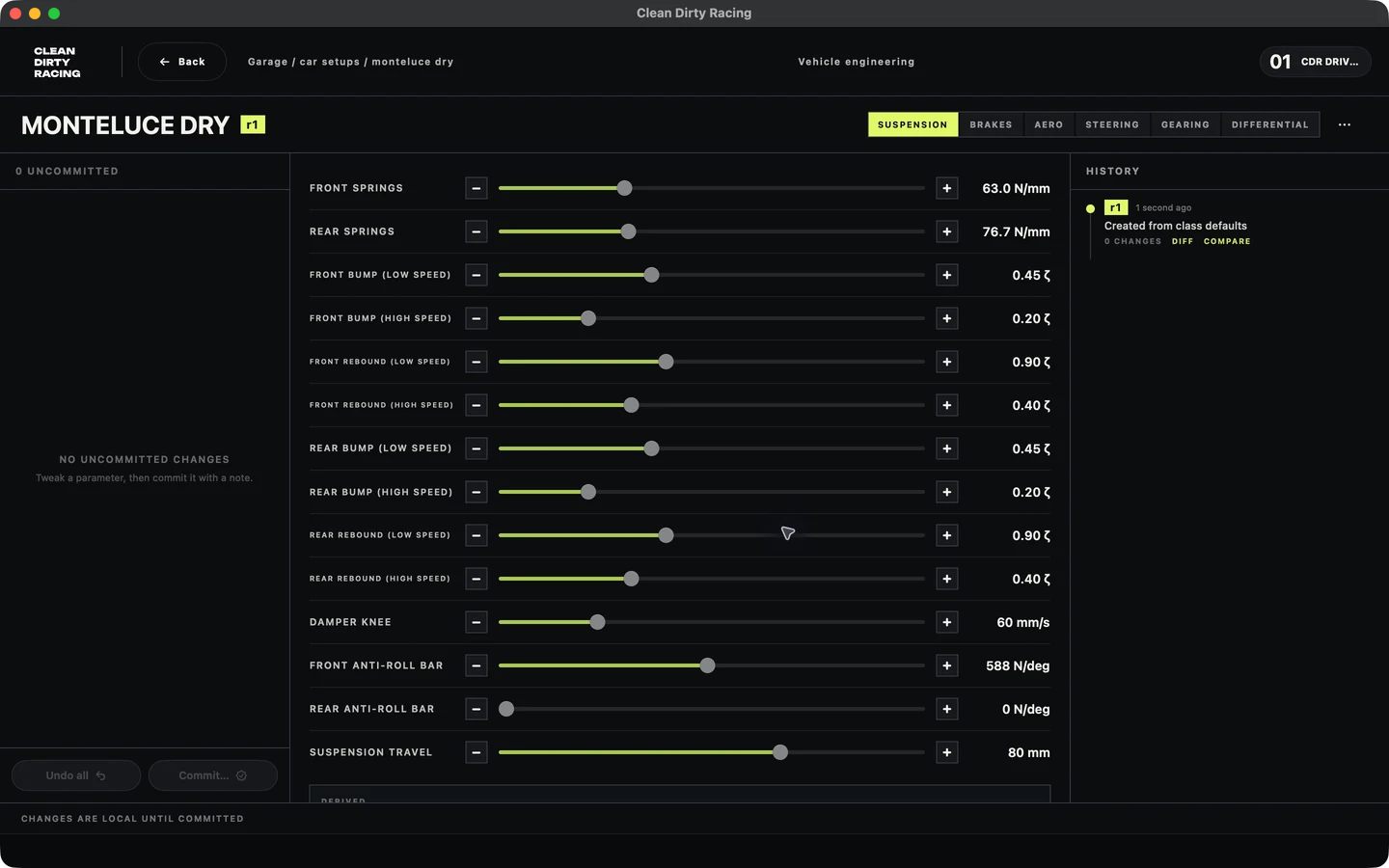
Adjust springs, four-way dampers, anti-roll bars, brake bias, aero, steering, gearing and differential.
Two GT3 rivals. Two Formula cars. A Cup hatchback, an eighties coupé and a hybrid supercar. Seven cars, six racing classes.
Your new garage

Sharper turn-in. Make every input count.

A dedicated racing interior with live instruments, new in 1.8.


Close racing. Learn the craft, lap by lap.

Rear-wheel drive. Eighties character. A class of its own.

Battery boost. Active rear wing. Your choice of left- or right-hand drive.
In the moment
A little guidance, exactly when you need it.
From your first move out of the garage to your next pit stop.
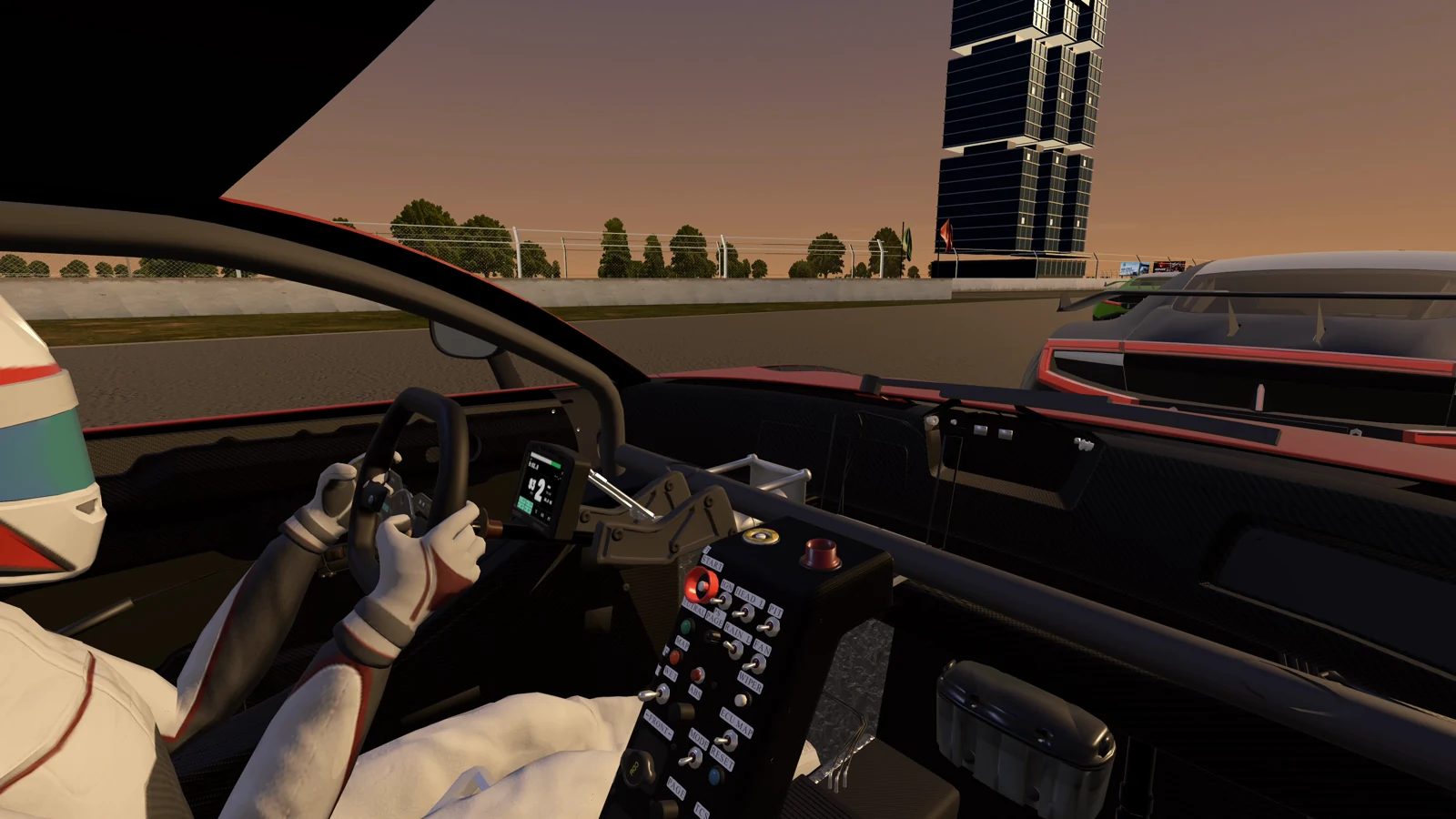
The activity display

Hold the throttle. Assisted steering guides you out of the garage.
Scroll to follow the story
HUD walkthrough · GT3 cockpitLeave the garage, take control, follow the pit-box guidance, and watch the service countdown.
02 / The circuits
From London and Paris streets to the Portuguese highlands and Australian coast.
Version 1.9 introduces Serra Alta and Wreckers Bay.
01 / Coastal
Outrun the Wind
Open coastal sightlines give way to tight braking sequences. Settle the car, change direction and make the exit count.
Six racing classes
Free with Vesper GT3 and Formula Starter.
Circuit layout
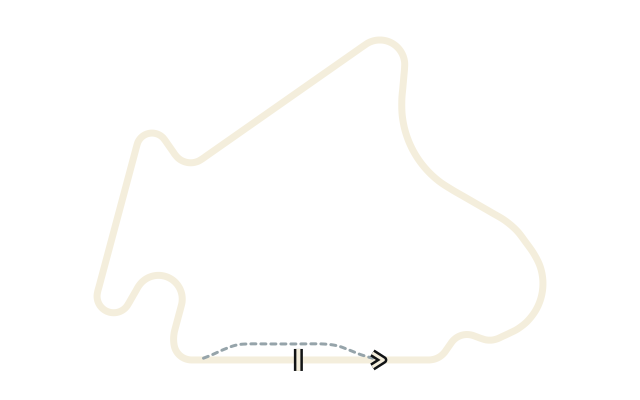
02 / Hillside
Carve the Hills
Climb, descend and brake into compact hillside turns. Save your precision for the hard left-right chicane that closes the lap.
Six racing classes
Included with Full Access.
Circuit layout
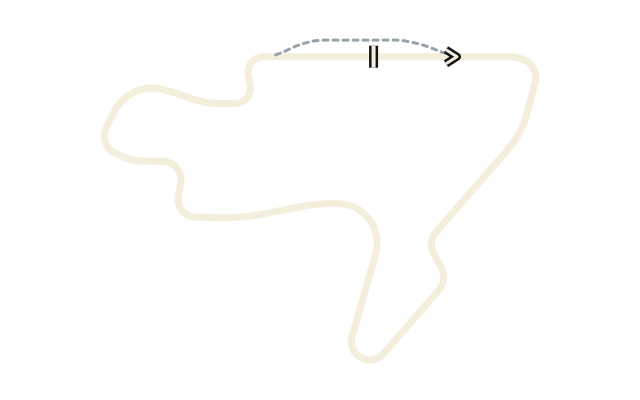
03 / Volcanic plateau
Forged in Fire
An exposed geothermal plateau with a compact, technical rhythm. Link the bends and carry your momentum across the volcanic landscape.
Six racing classes
Included with Full Access.
Circuit layout
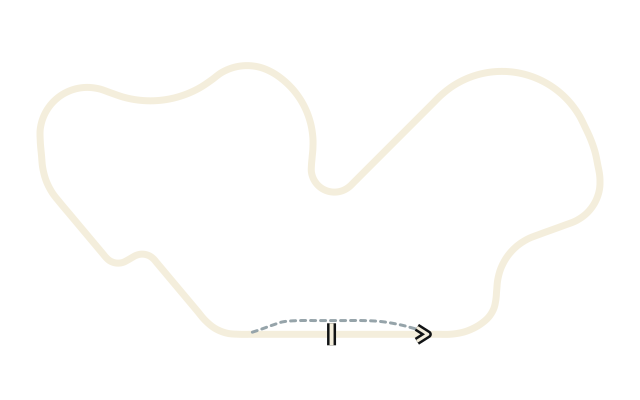
04 / Upland reservoir
Chase the Limit
Trace the reservoir, climb through the valley and commit to the covered return straight. Elevation and the tunnel give this lap its own rhythm.
Six racing classes
Included with Full Access.
Circuit layout
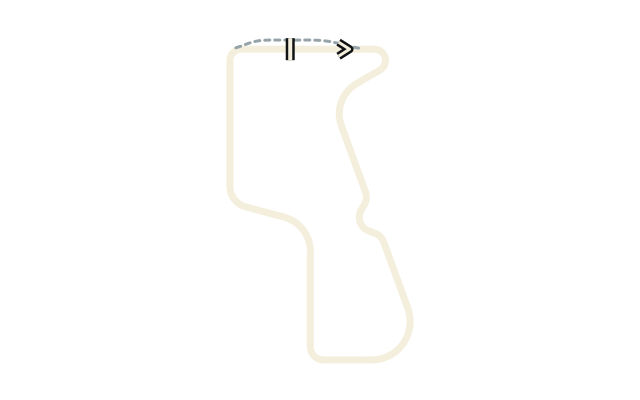
05 / Open-air forest
Find Your Flow
Rolling bends weave through an open-air forest venue. Find a smooth line, connect the corners and let the next turn come to you.
Six racing classes
Included with Full Access.
Circuit layout
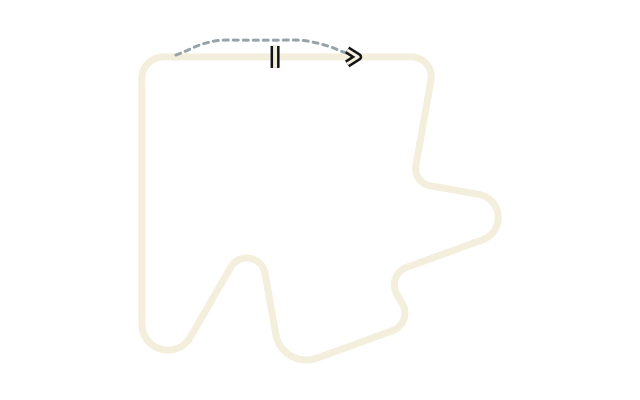
06 / London streets
Own the Streets
Thread narrow East London streets with walls at the kerb, then follow the canal to the Arden hairpin. Brake precisely and make every exit count.
Six racing classes
Included with Full Access.
Circuit layout
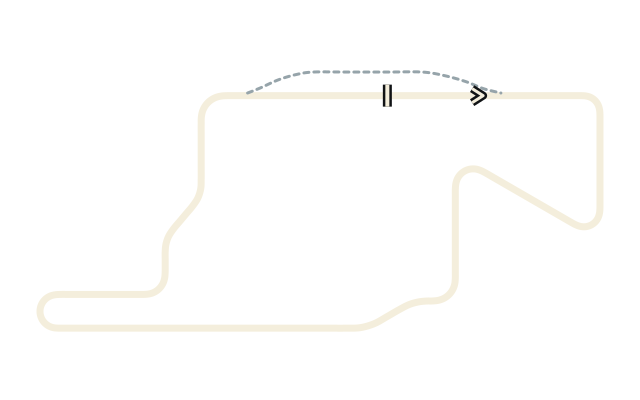
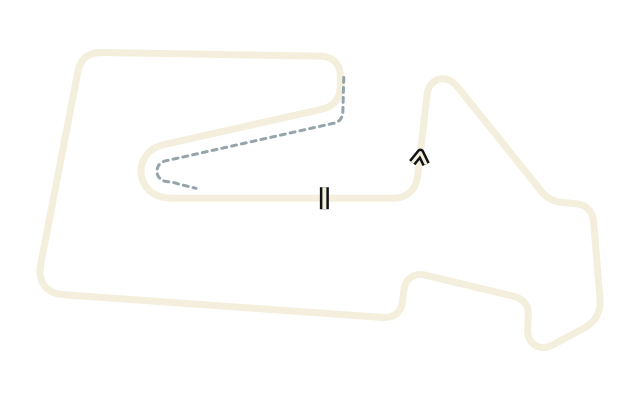
07 / Paris boulevards
Find Your Line
Race down Boulevard Haussmann, turn through the side streets of the 9th and sweep around the Parabolica at Richelieu–Drouot. A compact Paris lap with a reverse-running pit lane.
Six racing classes
Included with Full Access.
Circuit layout
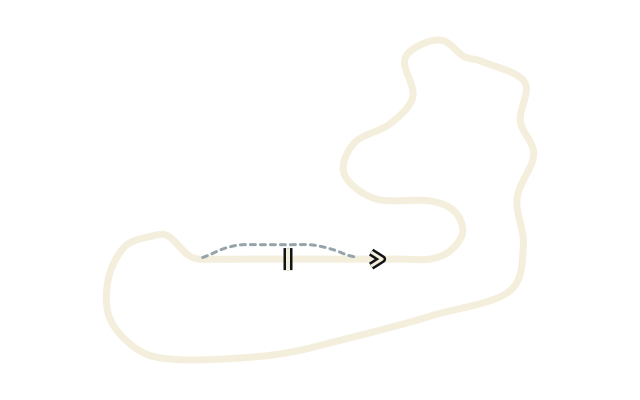
08 / Portuguese highlands
Climb to the Summit
An uphill opening leads into the summit section, then a descending return brings the lap home. Find your rhythm in the Portuguese highlands.
Six racing classes
New in 1.9. Full Access for normal sessions.
Circuit layout
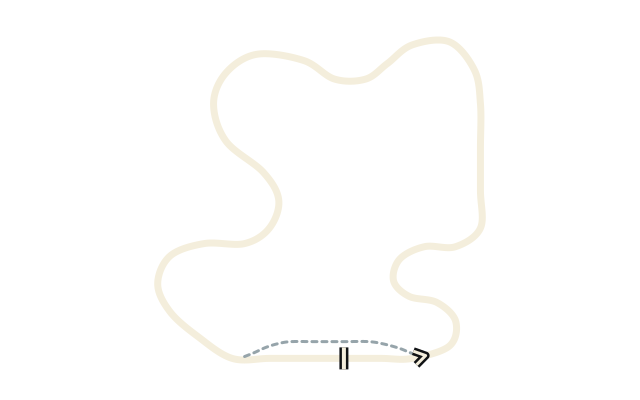
09 / Australian coast
Follow the Coast
Race along the Australian coast. Wreckers Bay also hosts the introductory final-lap race for first-time players in version 1.9.
Six racing classes
New in 1.9. Full Access for normal sessions.
Circuit layout
Feel every change
Golden-hour skies. Smoother tarmac. Softer glare on wet roads.
Choose your compound. Find your grip.
03 / On track
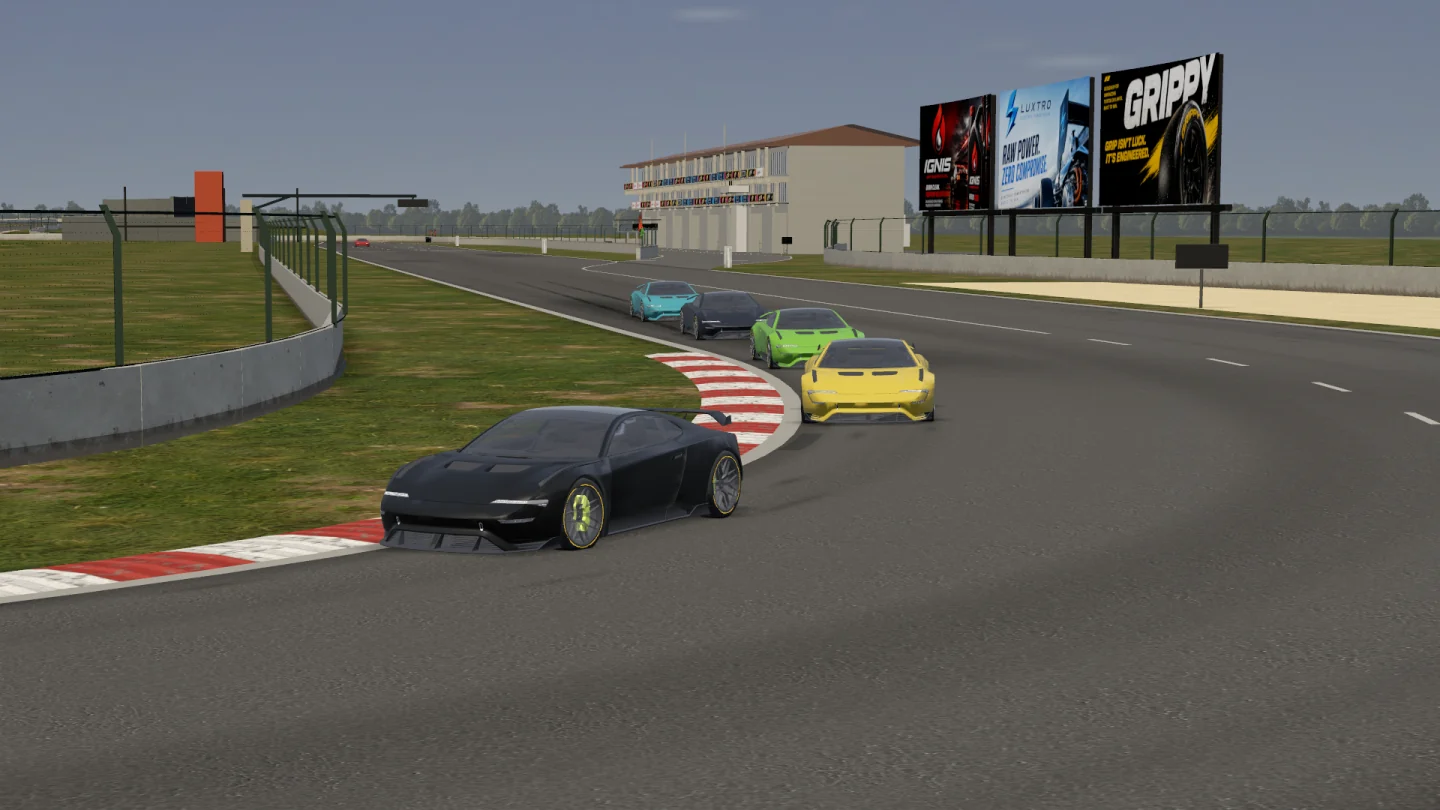
GT3 / Racing at Monteluce
Tyre wear, temperature, fuel and damage stay with the car when you return to the garage. Adjust the setup, head back out and compare the result.
Make it yours
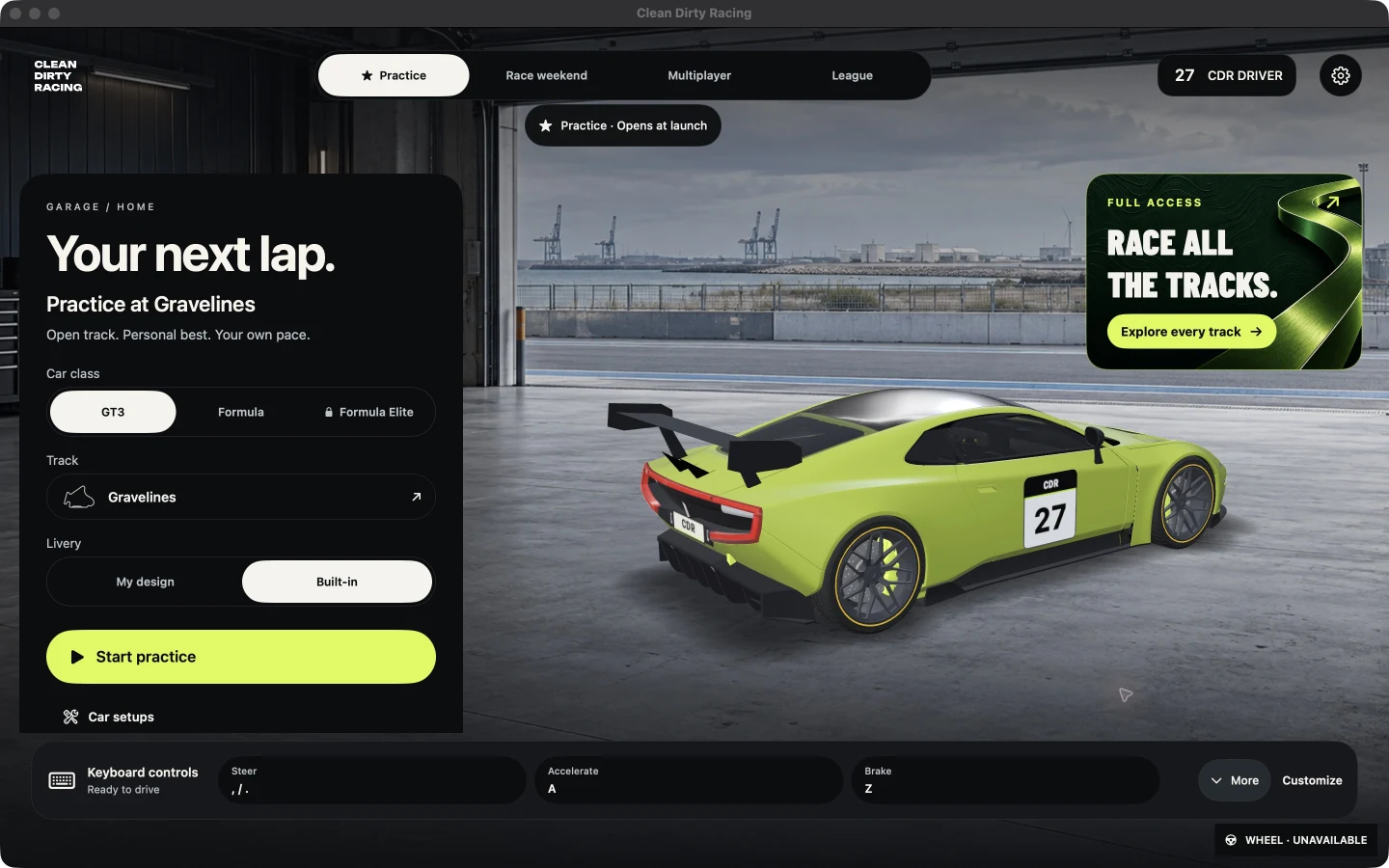
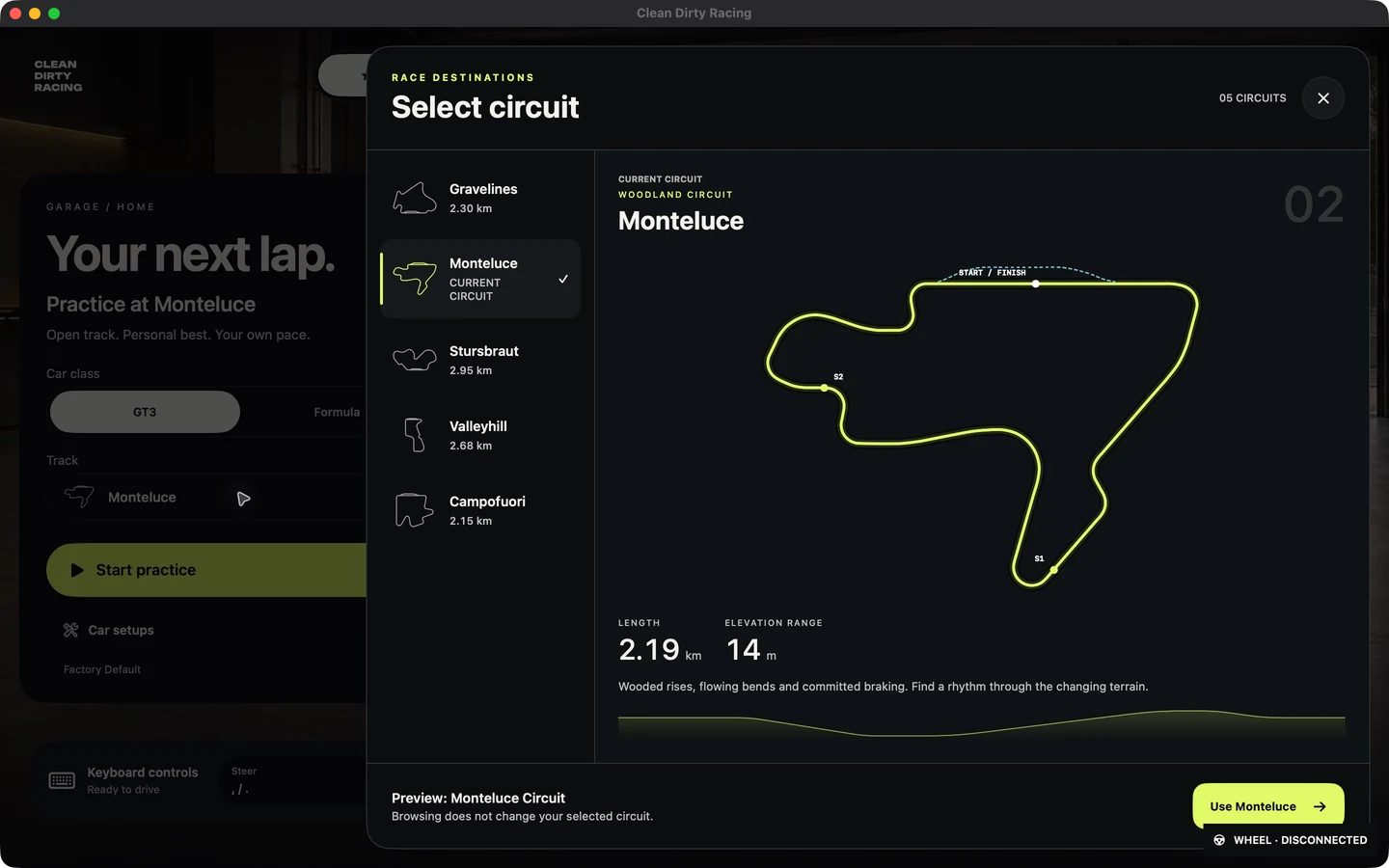
Your garage. Your setup. Your next circuit.
There’s a whole race weekend behind every lap.

Teams
Create a team, invite drivers and race in a shared livery. Bring your identity to the grid together.
About teamsTeam artwork
04 / Controllers
Pick the controls that suit your setup: a Bluetooth gamepad, touch controls on iPhone and iPad, or a keyboard or Logitech G29 on Mac.
Yes. Bluetooth gamepads, including the PS5 DualSense controller, are supported across Mac, iPhone, iPad, Apple TV and Apple Vision Pro. Pair your controller with the device you play on, then race with it in the game.
Yes. The iPhone and iPad apps include a virtual on-screen controller, so you can race using touch controls without a separate gamepad. You can also connect a Bluetooth gamepad if you prefer physical controls.
The macOS app supports the Logitech G29 steering wheel and pedals. Basic force feedback is available, but it is experimental at the moment and is still being refined.
Yes. You can race in the macOS app using just a keyboard. A gamepad or steering wheel is optional.
05 / Watch & create
Follow a live server session or return to a recorded race. Choose the car, control the cameras and create a clean picture for videos and live streams.
01 / Watch
Watch compatible servers without taking a driving seat. Follow the field with trackside and chase cameras.
02 / Replay Studio
Revisit recorded sessions, trim a clip, save camera changes and adjust playback speed. Export an MP4 at up to 4K with game audio on Mac, iPhone and iPad. Video export is not available on Apple TV or Apple Vision Pro.
03 / Director Mode
On Mac, keep the camera controls separate from the output in Watch and Replay Studio. Capture the clean window for video production or a live stream with software such as OBS.
06 / Apple ecosystem
Race on Mac, iPhone, iPad, Apple TV and Apple Vision Pro.
Download on the App Store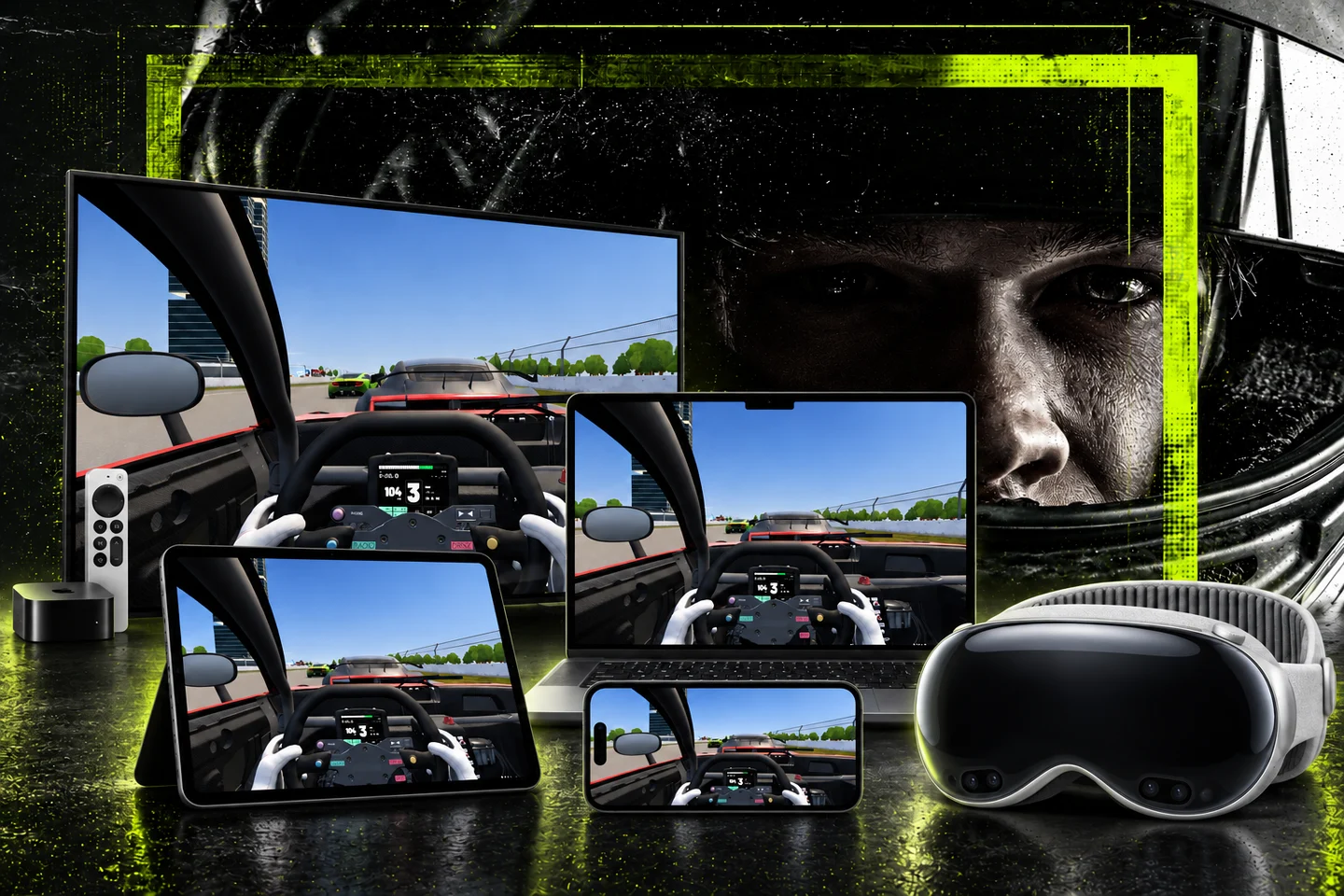
Mac · iPhone · iPad · Apple TV · Vision Pro
Seven cars · Six classes. Vesper and Arden share GT3; the other five cars each have their own class.
Gravelines + Monteluce + Stursbraut + Valleyhill + Campofuori + Hoxton + Haussmann + Serra Alta + Wreckers Bay
Mac · iPhone · iPad · Apple TV · Apple Vision Pro
07 / FAQ
Controllers, driving feel, tyre life, watching races, making videos and availability.
Read all answersA racing simulator for iPhone, iPad, Mac, Apple TV and Apple Vision Pro, with seven cars in six racing classes, detailed setup, five tyre compounds and changing weather. Version 1.9 expands the catalog to nine circuits and adds an introductory race at Wreckers Bay.
First-time players join the final lap at Wreckers Bay, learn the controls and chase the cars ahead. Pause at any time to restart or skip. This introductory race is available before purchasing Full Access; normal sessions at Wreckers Bay require Full Access. Introduced in version 1.9.
The Vesper GT3 and Formula Starter, practice, race weekends and multiplayer at Gravelines are free, with no time limit. In version 1.9, the introductory final-lap race at Wreckers Bay is also available before purchasing Full Access. Normal Wreckers Bay sessions require Full Access. Saved recordings remain accessible after a subscription ends.
iPhone and iPad offer adjustable touch controls or a compatible game controller. Mac supports keyboard, compatible controllers and supported racing wheels, including the Logitech G29 with basic experimental force feedback. Apple TV and Apple Vision Pro require a compatible game controller. MP4 video export is available on Mac, iPhone and iPad, not Apple TV or Apple Vision Pro. Separate replay and Director Mode output windows are Mac features.
Meet other drivers in the post-race car park. Vote for the next circuit, change your car and prepare tyres and fuel before the next start. If everyone votes to skip the wait, the next session starts sooner. You can also vote to skip practice or qualifying from the pause menu.
Clean Dirty Racing is available on Mac, iPhone, iPad, Apple TV and Apple Vision Pro. Check the App Store for the latest version for your device.


